Claude MCP Guide: Connecting Local Tools to AI
A comprehensive guide on configuring the Model Context Protocol (MCP) to give Claude Desktop access to your local file system, databases, and custom scripts.

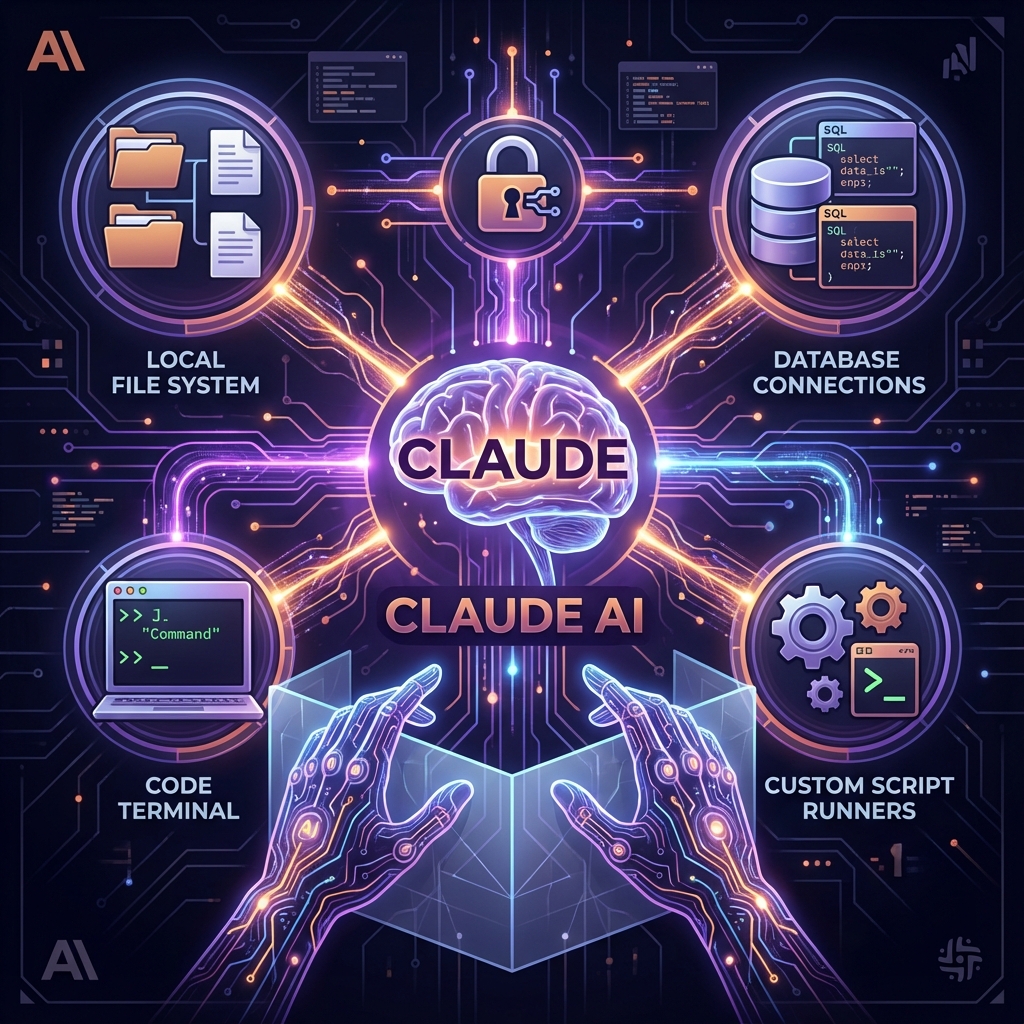
Project Overview
The Model Context Protocol (MCP) is a standardized way for AI assistants to talk to external systems. This guide explains how to set up `claude_desktop_config.json` to enable local servers—like a SQLite inspector or a File System agent. By the end, you will have a Claude instance that can read your logs, query your dev database, and edit code files directly.
System Architecture
MCP operates on a Client-Host-Server model. 'Claude Desktop' acts as the Host. You run local 'Servers' (e.g., Python scripts). The Host connects to these Servers via Stdio (Standard Input/Output). When you ask a question, Claude sees the tools offered by the Server and can choose to execute them, receiving the output back into the chat context.
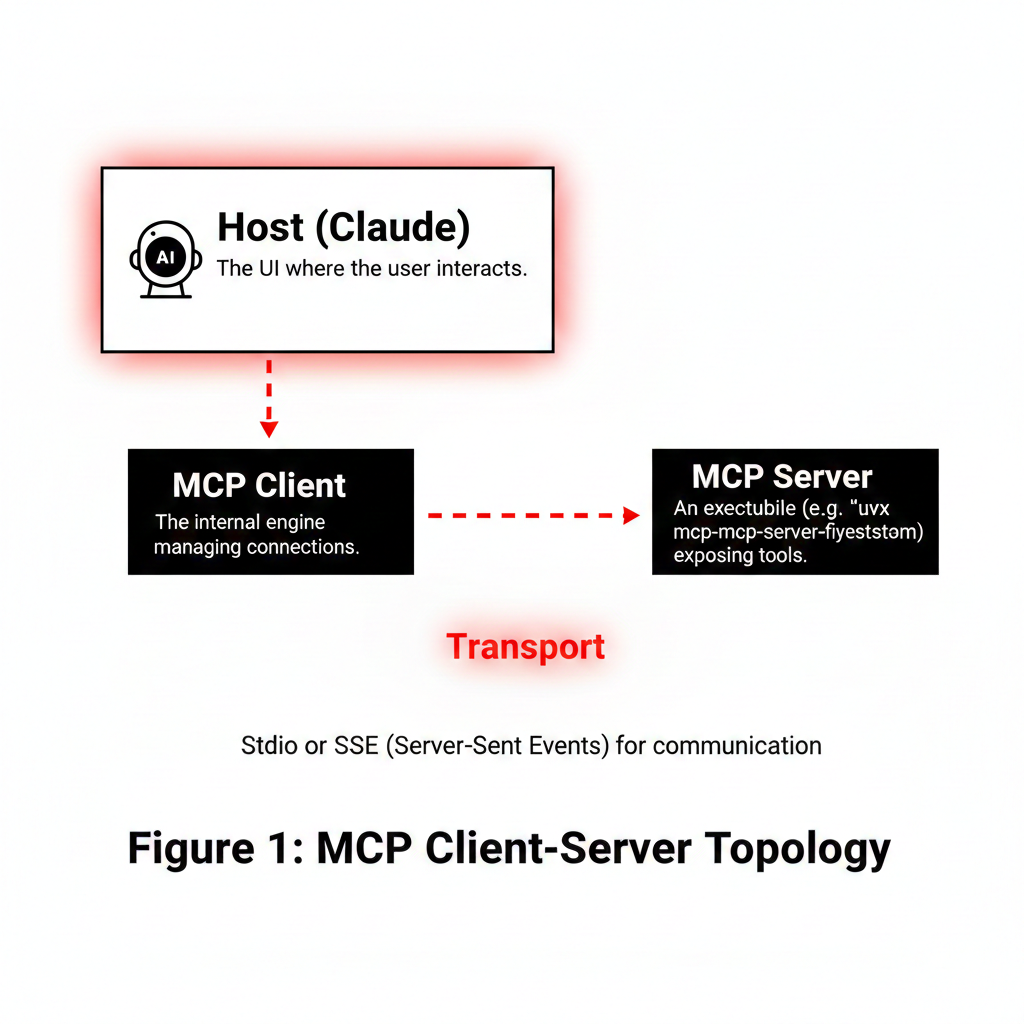
Host (Claude)
The UI where the user interacts.
MCP Client
The internal engine managing connections.
MCP Server
An executable (e.g., `uvx mcp-server-filesystem`) exposing tools.
Transport
Stdio or SSE (Server-Sent Events) for communication.
Implementation Details
Code Example
// claude_desktop_config.json\n{\n "mcpServers": {\n "filesystem": {\n "command": "npx",\n "args": ["-y", "@modelcontextprotocol/server-filesystem", "/Users/me/projects"]\n },\n "sqlite": {\n "command": "uvx",\n "args": ["mcp-server-sqlite", "--db-path", "./my.db"]\n }\n }\n}Agent Memory
Be careful what paths you expose. Giving an AI write access to your root directory is risky. Always scope permissions to specific project folders.
Workflow
Install Server: Use `npx` or `pip` to install an MCP server.\n2. Configure: Add entry to Claude config file.\n3. Restart: Relaunch Claude to load new tools.\n4. Prompt: Ask 'Analyze the schema of my database'.\n5. Action: Claude autonomously calls the tool and explains the result.

Results & Impact
"MCP transforms Claude from a chat bot into a pair programmer that actually knows my codebase."
Efficiency
No more copy-pasting code context.
Agency
AI takes actions, not just gives text.
Extensibility
Write your own tools in Python/TS easily.
About the Author
Ramya
Senior Engineer - Integrations and Applied AI
Apex Neural
12+ years building scalable AI-driven and web applications across healthcare, fintech, and enterprise. Deep expertise in multi-agent systems, LLM workflows, RAG pipelines, API orchestration, payment integrations, and document intelligence (OCR and structured extraction).
Ready to Build Your AI Solution?
Get a free consultation and see how we can help transform your business.